Features
Everything you need to read the Mushaf in the ten qira'at and see where the readers differ, in one free app.
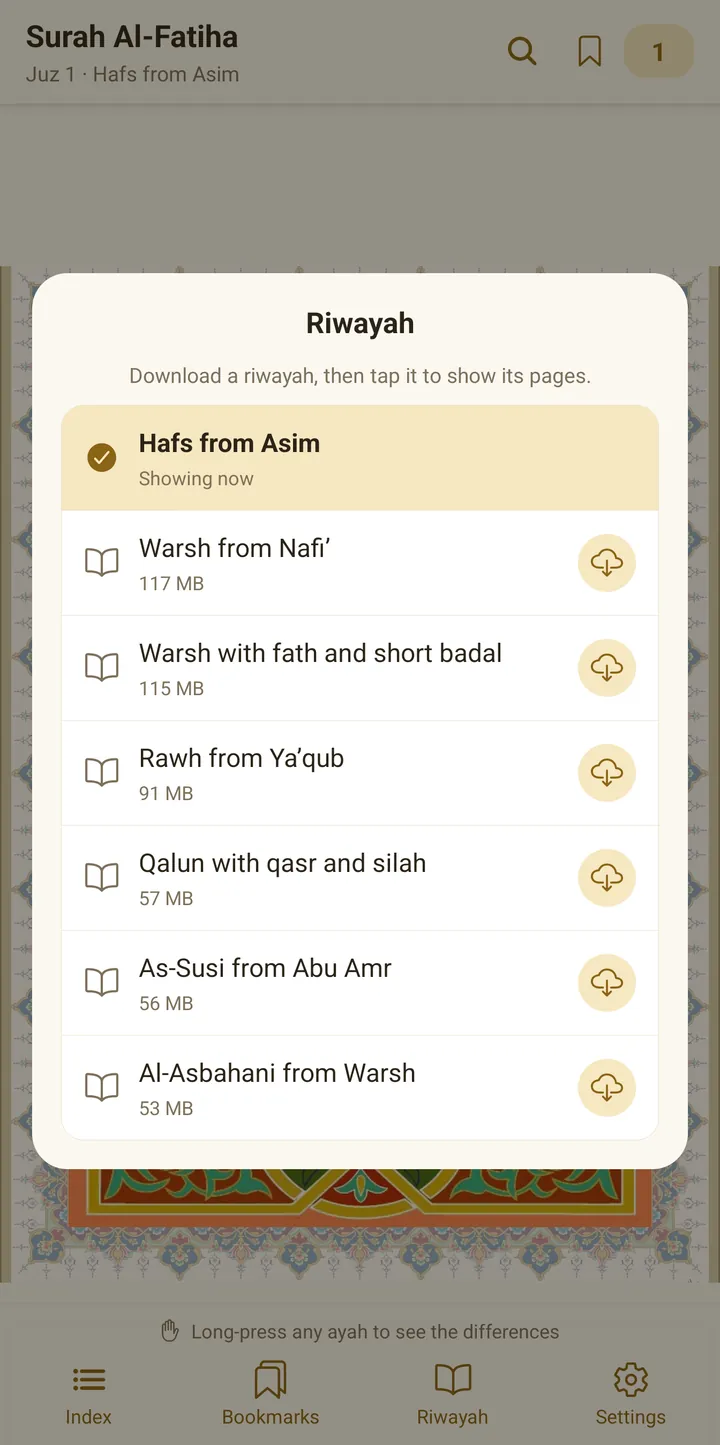
Seven riwayat in one app
Choose the riwaya you read from the list:
- Hafs from Asim
- Warsh from Nafi
- Warsh with fath and short badal
- Qalun with qasr and sila
- Al-Susi from Abu Amr
- Ruh from Yaqub
- Al-Asbahani from Warsh
Hafs comes with the app, no download needed. Each other riwaya is downloaded once, and after that you read it offline.
The differences in every ayah
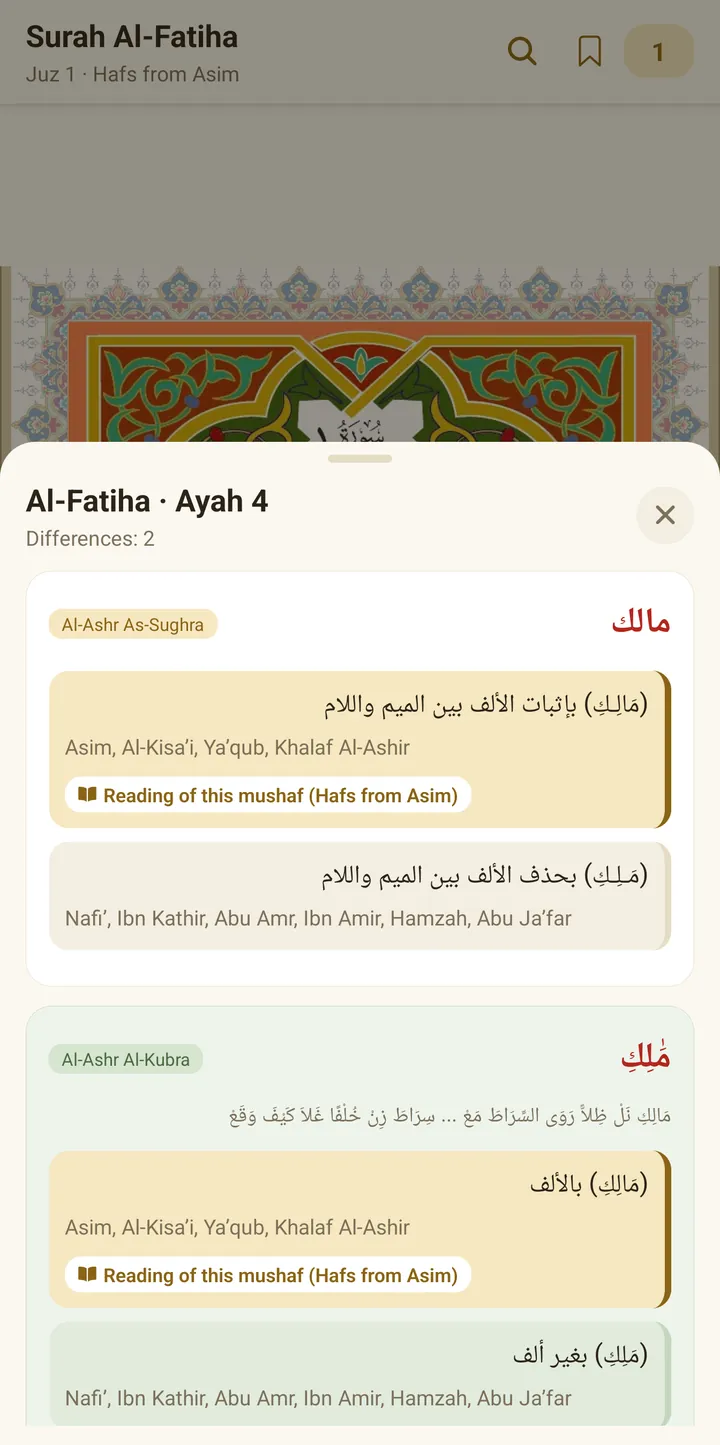
Long-press any ayah to see the words in it where the readers differ.
- Under each way of reading are the names of the readers who read it that way.
- The way the open Mushaf reads is marked in a different colour.
- The “Read this Mushaf” button opens the Mushaf in the riwaya that reads it that way.
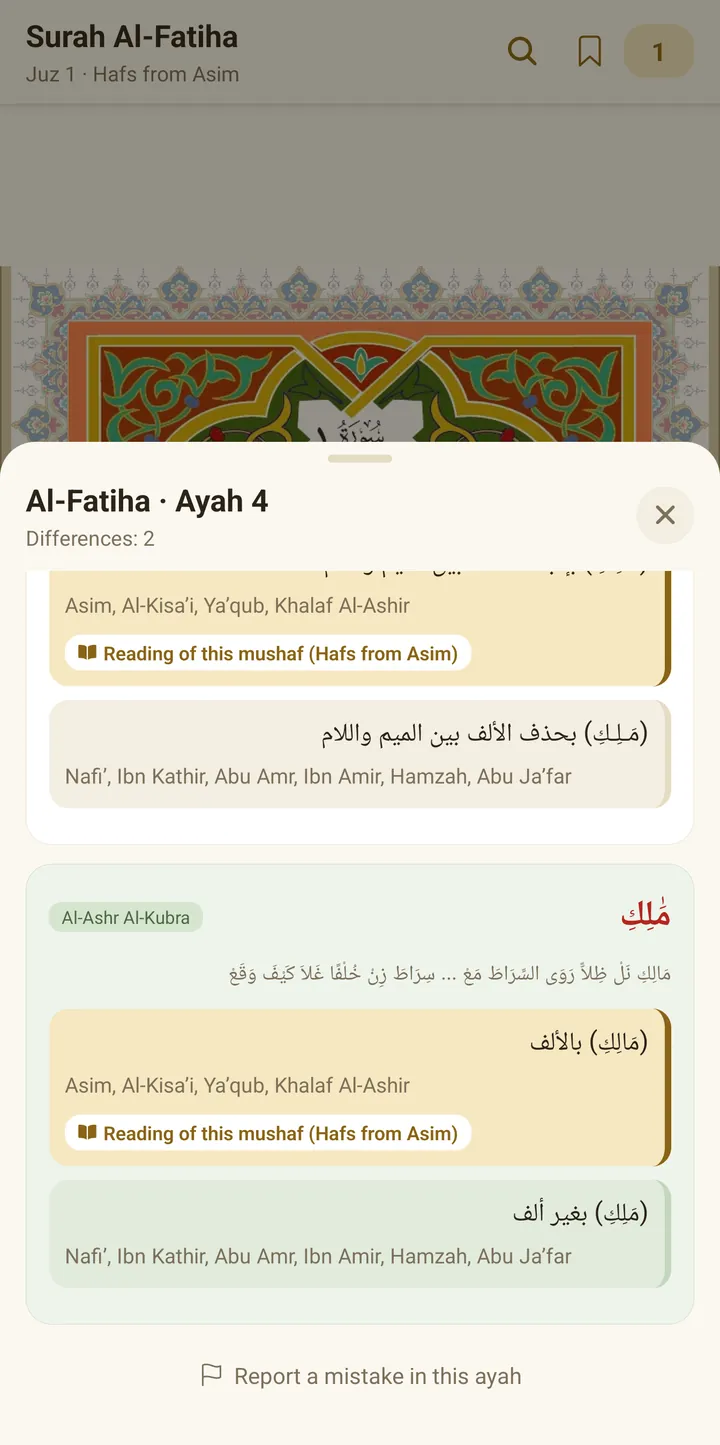
Al-Ashr al-Sughra and al-Ashr al-Kubra
- Al-Ashr al-Sughra: from al-Shatibiyya and al-Durra, with usul and farsh.
- Al-Ashr al-Kubra: from Tayyibat al-Nashr, in a green card, with the line of the Tayyiba for that place.
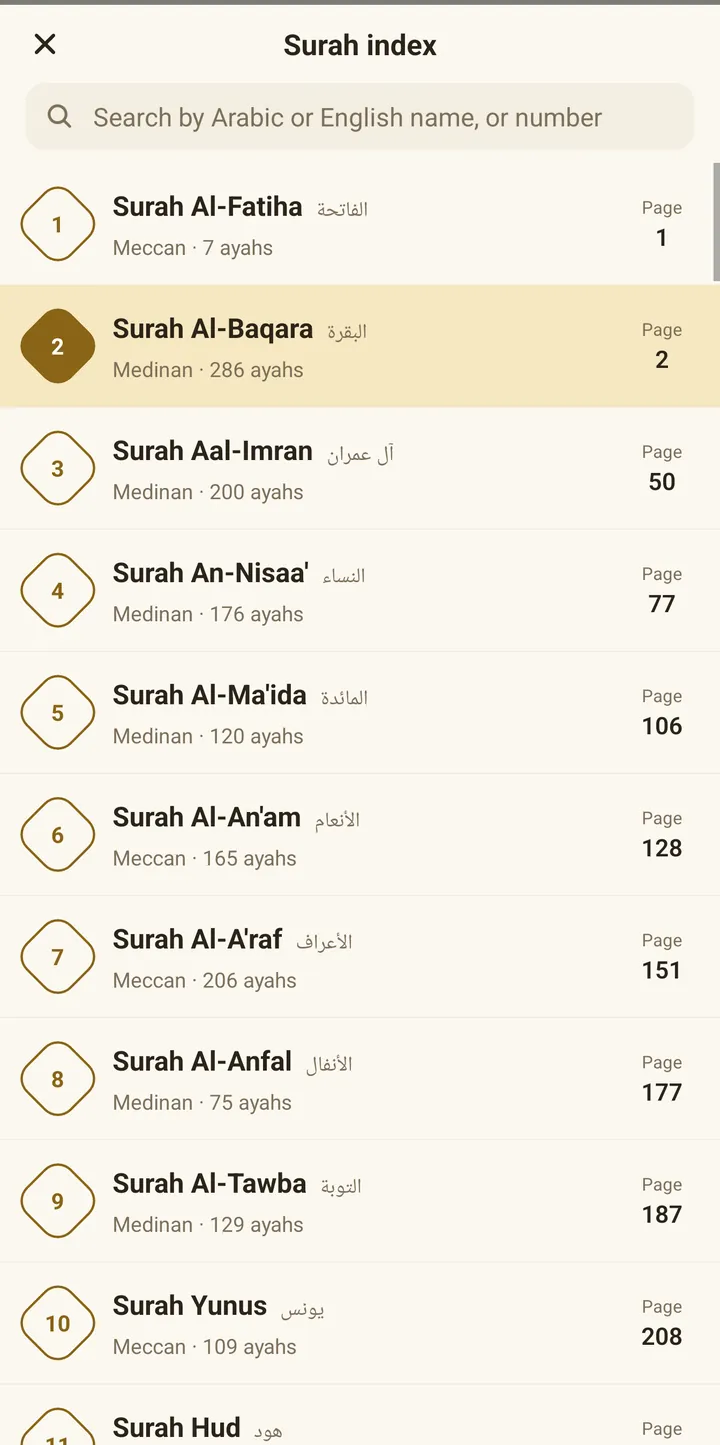
Index and search
- Find a surah by its Arabic or English name, or by its number.
- Each surah shows its page number, its number of ayahs, and whether it is Makki or Madani.
- Search for any word in the text of the ayahs. The search text is from the Tanzil project.
Read your way
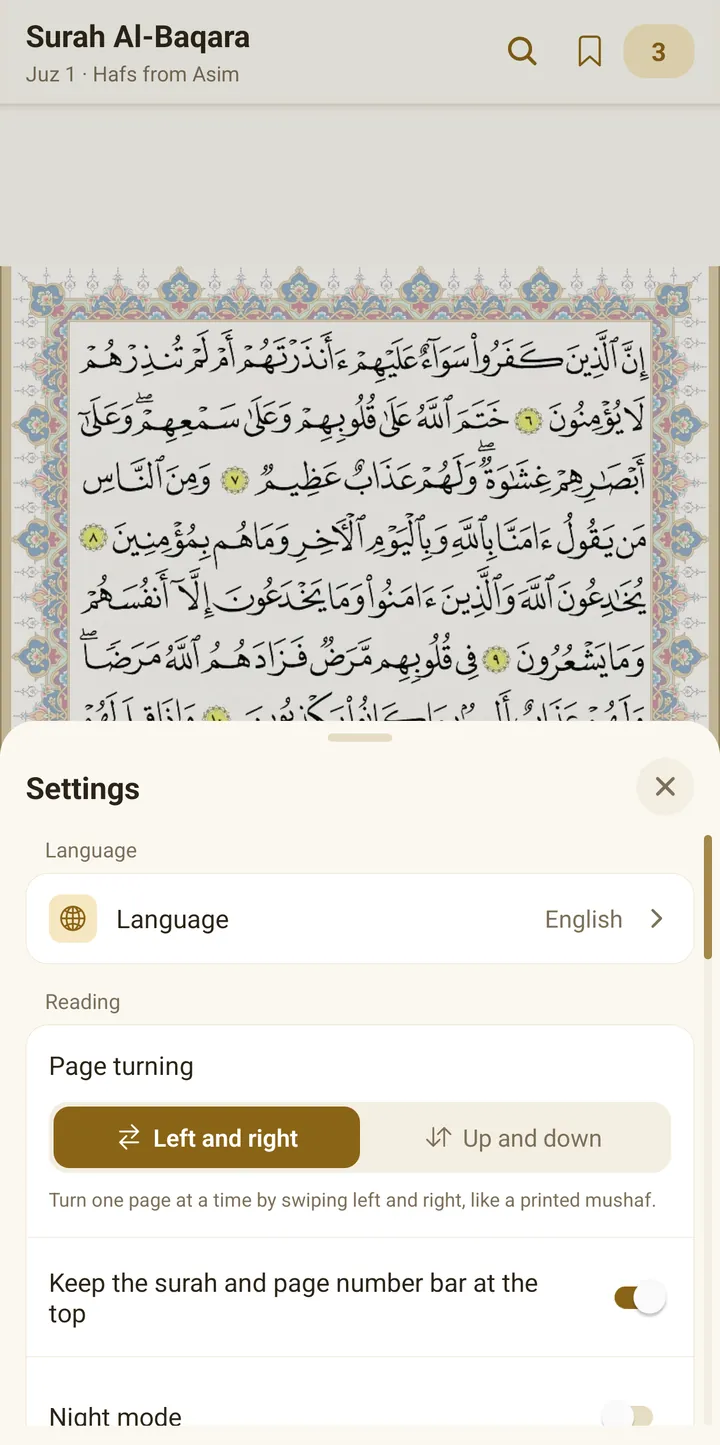
- Turn pages right and left like a printed Mushaf, or scroll from top to bottom.
- Tap the page to fill the whole screen.
- Zoom the page up to 4x.
- Choose night mode, the page colour and the frame.
- Keep the surah name and page number bar pinned at the top.
Your bookmarks and last page
Save any place under a name you choose and go back to it at any time. When you open the app, it takes you back to the last page you read.
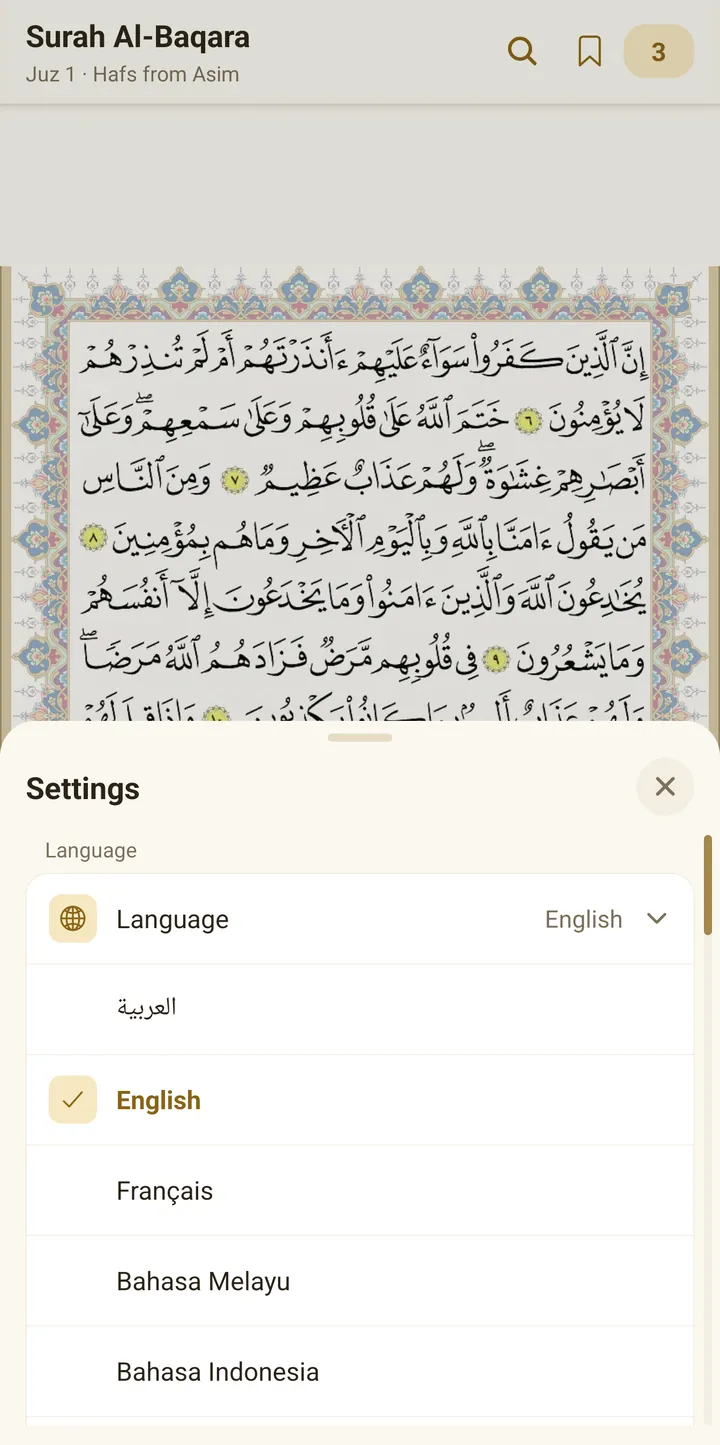
An interface in seven languages
Arabic, English, French, Malay, Indonesian, Bengali and Urdu. The Quran text and the differences always stay in Arabic.
Tell us about any mistake
At the bottom of the differences sheet is a “Report a mistake in this ayah” button. It opens a ready email with the surah name and ayah number, so you write your note and send it.